What is Audio Clipping and How to Avoid It When Boosting Gain
Table of Contents
Audio clipping is a nightmare for creators. If you push your audio too loud, it will start to sound crunchy, harsh, and distorted. This phenomenon is known as clipping. To get professional sound, you need to understand exactly what is audio clipping and how to prevent it when amplifying your tracks.
Many creators struggle with low audio levels. The key to solving this is using a high-quality amplifier that processes the waveform without simply raising the noise floor. When you audio clipping correctly, your audience won’t need to constantly adjust their speakers.
The Anatomy of a Sound Wave
The first step is understanding why the original file is so quiet. Often, this is due to improper gain staging during the recording process. Microphones need preamps to boost the signal to “line level”. If the preamp gain is too low, the resulting digital file will barely register on the meters.
Furthermore, digital audio workstations (DAWs) default to leaving “headroom” to prevent clipping. But if you leave too much headroom, the entire file sounds muted. That is why it is so crucial to safely amplify the file after recording.
Why Does Audio Clipping Happen?
When you attempt to make something louder, you have to be careful about peaks. A peak is the absolute loudest point in the audio file. If you apply a flat digital gain boost, those peaks will hit the 0dB digital ceiling and “clip” or distort.
Modern tools use intelligent peak detection and limiting algorithms to increase the perceived loudness (RMS or LUFS) without allowing the absolute peaks to cross the 0dB threshold. This guarantees clean, punchy audio.
Hard Clipping vs Soft Clipping
In the digital realm, audio clipping is usually absolute. This is known as “hard clipping.” When the digital signal hits 0 dBFS (Full Scale), the computer literally cannot represent any value higher than that. So, it simply chops the top of the waveform off, creating a harsh, flat plateau. This square wave generates nasty harmonic distortion that is incredibly fatiguing to listen to. You can learn more about the mathematics behind this on the Wikipedia audio clipping page.
In the analog world, such as with expensive tube amplifiers, “soft clipping” occurs. The peaks are rounded off gently rather than sliced flat. This creates a warm, “fuzzy” saturation that is highly sought after by musicians, particularly electric guitarists.
The Role of True Peak Limiters
To avoid audio clipping when making a file louder, modern software utilizes a “True Peak Limiter.” This is an extreme form of compression with an infinite ratio. The limiter looks ahead in the audio file, anticipates when a peak is about to cross the threshold, and instantly turns the volume down for that fraction of a millisecond.
By preventing audio clipping at the absolute peak level, you are free to boost the overall RMS (average loudness) of the entire file, resulting in a massively loud, punchy, and crystal-clear final product.
\n
How to Safely Amplify Audio Without Distortion
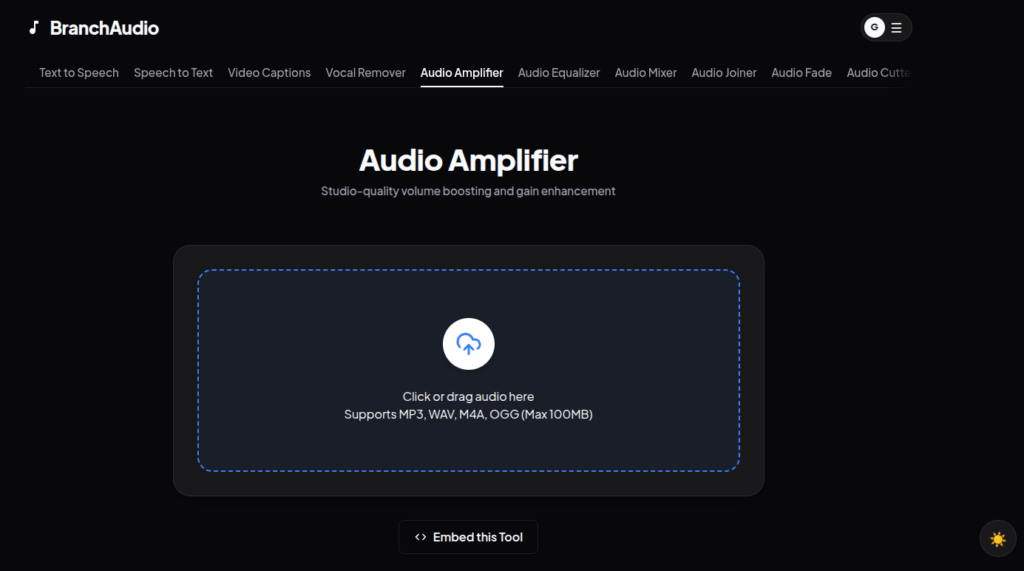
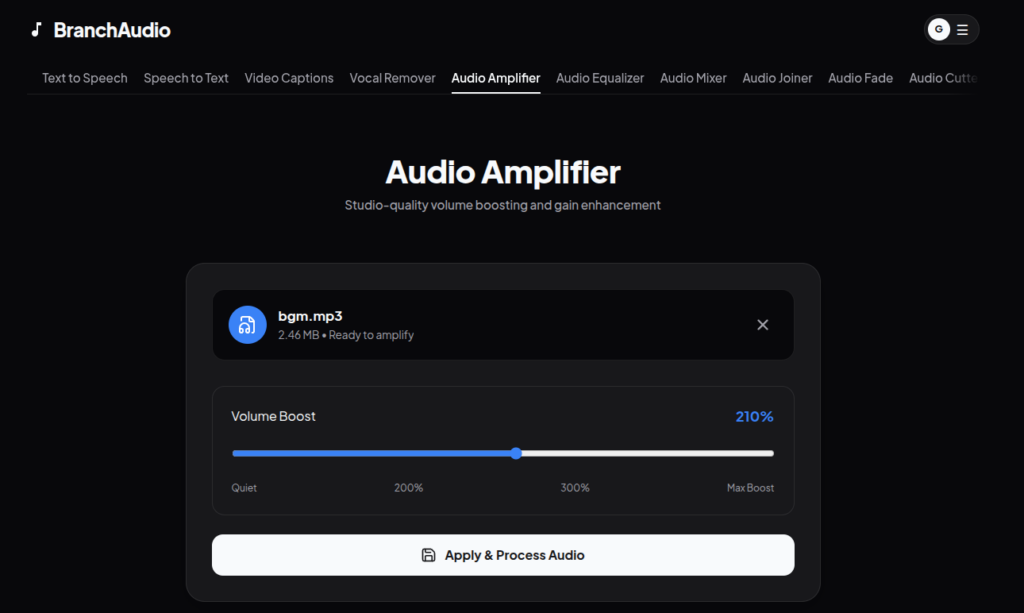
To safely increase the loudness of your file, navigate to the BranchAudio Amplifier tool. You simply drag and drop your file into the web browser.
- Upload: Drop your MP3, WAV, or MP4 file into the tool.
- Boost: Use the slider to increase the gain by up to 400%.
- Download: The cloud servers process the waveform instantly, giving you a perfectly amplified file ready for distribution.
Looking for a deeper dive? Check out our The Ultimate Guide to Audio Amplification: Make Audio Louder Without Distortion for a complete masterclass on audio engineering.
Conclusion
Stop settling for quiet, amateur-sounding audio. By using the right tools to boost your levels, you ensure your audience has a premium listening experience across all devices.