Increase MP3 Volume Without Losing Quality: 3 Easy Steps
Table of Contents
Need to increase MP3 volume? Have you ever downloaded a song or voice note that is barely audible, even at max volume? Learning how to safely increase MP3 volume without losing quality is essential for enjoying your favorite audio tracks.
Many creators struggle with low audio levels. The key to solving this is using a high-quality amplifier that processes the waveform without simply raising the noise floor. When you increase mp3 volume correctly, your audience won’t need to constantly adjust their speakers.
Why Are Some MP3 Files So Quiet?
The first step is understanding why the original file is so quiet. Often, this is due to improper gain staging during the recording process. Microphones need preamps to boost the signal to “line level”. If the preamp gain is too low, the resulting digital file will barely register on the meters.
Furthermore, digital audio workstations (DAWs) default to leaving “headroom” to prevent clipping. But if you leave too much headroom, the entire file sounds muted. That is why it is so crucial to safely amplify the file after recording.
Digital Gain vs. Physical Volume
When you attempt to make something louder, you have to be careful about peaks. A peak is the absolute loudest point in the audio file. If you apply a flat digital gain boost, those peaks will hit the 0dB digital ceiling and “clip” or distort.
Modern tools use intelligent peak detection and limiting algorithms to increase the perceived loudness (RMS or LUFS) without allowing the absolute peaks to cross the 0dB threshold. This guarantees clean, punchy audio.
The Problem with Repeated Encoding
When you want to increase MP3 volume, you must be aware of how the MP3 format actually works. MP3 is a “lossy” audio format. This means that every time you save or export the file, the encoder literally throws away tiny bits of data to compress the file size. If you download a song, boost the gain blindly, and re-export it, you will notice “swishy” robotic sounds in the high frequencies.
This is why you must use a tool that is specifically optimized to increase MP3 volume without introducing further compression artifacts. If you have access to the original uncompressed WAV file, it is always better to amplify that file first before converting it to MP3.
Why Desktop Software Can Be Overkill
Historically, to increase MP3 volume, users had to download complex desktop applications like Audacity. While these programs are incredibly powerful, they are designed for multi-track audio engineering. If you just want a single song to be 20% louder, opening a massive digital audio workstation is a complete waste of time.
Furthermore, desktop software requires you to manually set the limiter threshold and makeup gain. If you don’t know what you are doing, you will instantly ruin the song. A smart web-based tool does all the mathematical heavy lifting for you.
\n
3 Steps to Increase MP3 Volume Free Online
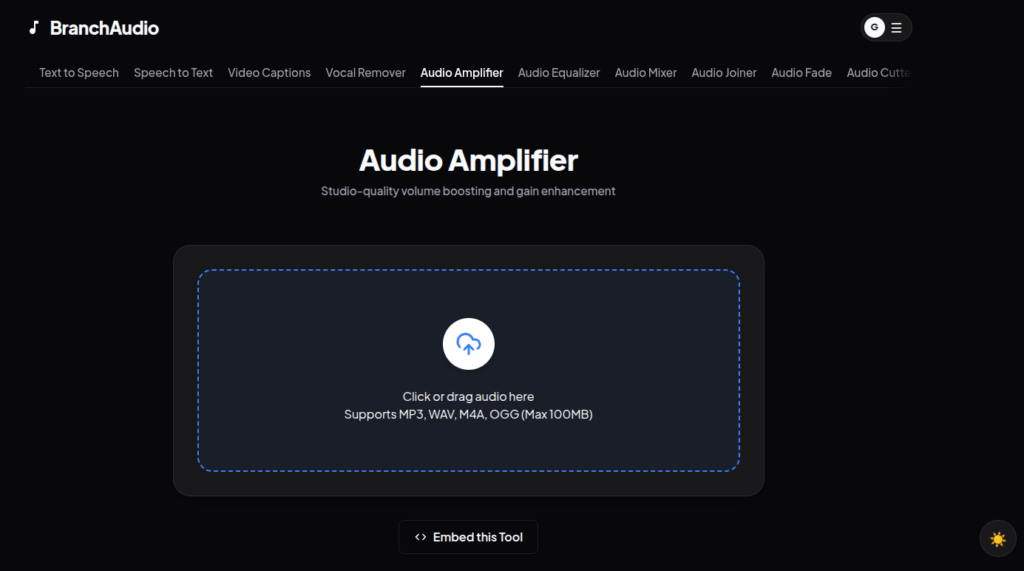
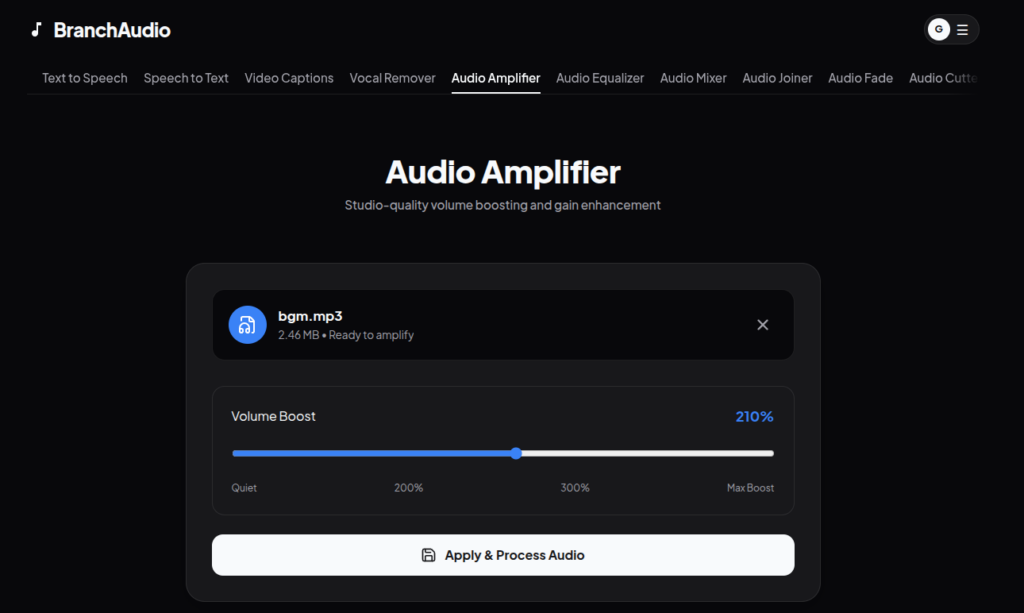
To safely increase the loudness of your file, navigate to the BranchAudio Amplifier tool. You simply drag and drop your file into the web browser.
- Upload: Drop your MP3, WAV, or MP4 file into the tool.
- Boost: Use the slider to increase the gain by up to 400%.
- Download: The cloud servers process the waveform instantly, giving you a perfectly amplified file ready for distribution.
Looking for a deeper dive? Check out our The Ultimate Guide to Audio Amplification: Make Audio Louder Without Distortion for a complete masterclass on audio engineering.
Conclusion
Stop settling for quiet, amateur-sounding audio. By using the right tools to boost your levels, you ensure your audience has a premium listening experience across all devices.