How to Boost Podcast Volume for Spotify and Apple Podcasts
Table of Contents
Are you trying to boost podcast volume? Struggling to make your podcast loud enough? If your listeners are complaining about quiet audio, you need to learn how to properly boost podcast volume to meet the strict loudness standards of platforms like Spotify and Apple Podcasts.
Many creators struggle with low audio levels. The key to solving this is using a high-quality amplifier that processes the waveform without simply raising the noise floor. When you boost podcast volume correctly, your audience won’t need to constantly adjust their speakers.
Why Are Podcasts Usually So Quiet? (And How to Boost Podcast Volume)
The first step is understanding why the original file is so quiet. Often, this is due to improper gain staging during the recording process. Microphones need preamps to boost the signal to “line level”. If the preamp gain is too low, the resulting digital file will barely register on the meters.
Furthermore, digital audio workstations (DAWs) default to leaving “headroom” to prevent clipping. But if you leave too much headroom, the entire file sounds muted. That is why it is so crucial to safely amplify the file after recording.
The LUFS Standard Explained
When you attempt to make something louder, you have to be careful about peaks. A peak is the absolute loudest point in the audio file. If you apply a flat digital gain boost, those peaks will hit the 0dB digital ceiling and “clip” or distort.
Modern tools use intelligent peak detection and limiting algorithms to increase the perceived loudness (RMS or LUFS) without allowing the absolute peaks to cross the 0dB threshold. This guarantees clean, punchy audio.
Why -14 LUFS is the Golden Standard
If you have spent any time trying to figure out how to boost podcast volume, you have likely run into the term LUFS. This stands for Loudness Units relative to Full Scale. It is a standard used by broadcast networks and streaming platforms to measure perceived loudness over the duration of an entire audio file, rather than just measuring momentary peaks.
When you upload an episode, the platform will scan the file. If your episode is too quiet (for example, -22 LUFS), the listener will have to crank up their car stereo to hear you. But what happens when the next episode on their playlist comes on at -14 LUFS? It will blast their speakers and damage their eardrums! This is why you must adhere to Spotify’s loudness guidelines and deliver your files correctly.
How Platforms Penalize Quiet Audio
Some platforms attempt to “fix” quiet audio by applying their own automatic gain or compression algorithms to your file. If you don’t properly boost podcast volume yourself before uploading, you are leaving your audio quality in the hands of a robot. The platform’s automatic compression can heavily distort your voice, bring up background hiss, and completely ruin the dynamic range of a dramatic story.
By using a dedicated tool like the BranchAudio Amplifier to boost podcast volume to exactly -14 LUFS or -16 LUFS, you retain full control over your final sound. Your audio will pass right through the platform’s processing untouched, guaranteeing a premium listening experience for your audience.
How to Use the BranchAudio Amplifier to Fix Quiet Episodes
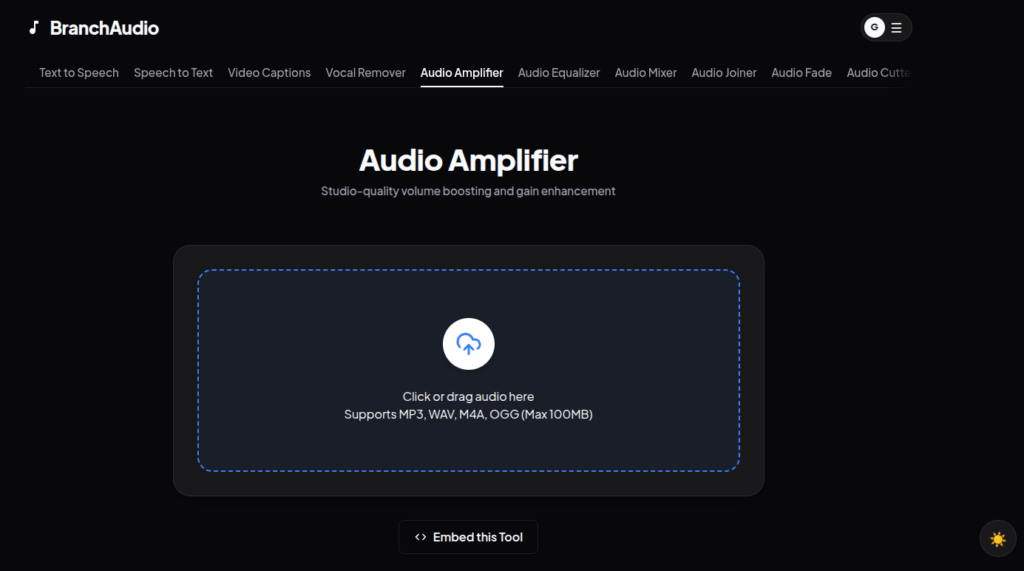
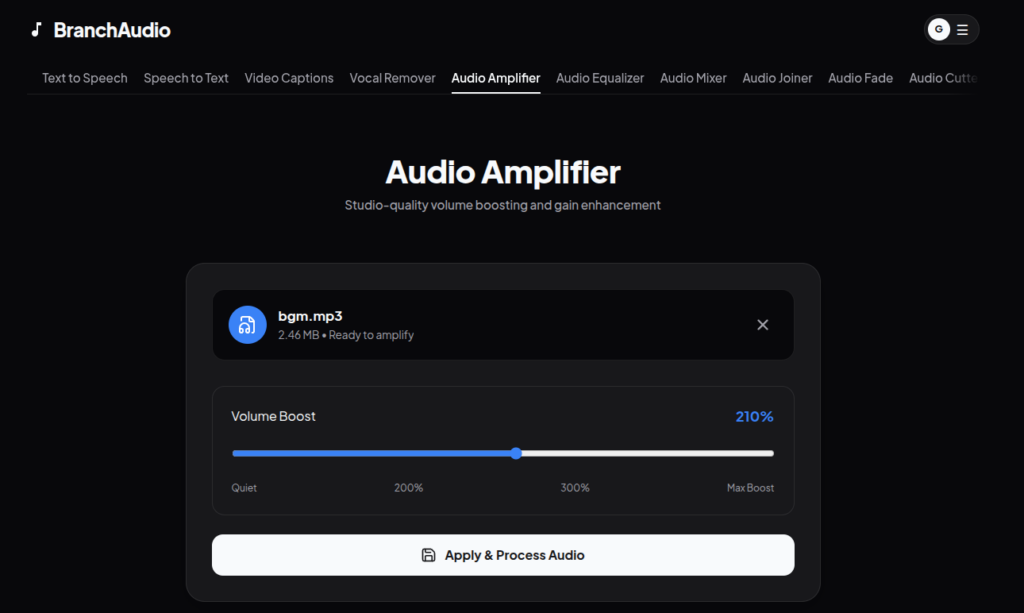
To safely increase the loudness of your file, navigate to the BranchAudio Amplifier tool. You simply drag and drop your file into the web browser.
- Upload: Drop your MP3, WAV, or MP4 file into the tool.
- Boost: Use the slider to increase the gain by up to 400%.
- Download: The cloud servers process the waveform instantly, giving you a perfectly amplified file ready for distribution.
Looking for a deeper dive? Check out our The Ultimate Guide to Audio Amplification: Make Audio Louder Without Distortion for a complete masterclass on audio engineering.
Conclusion
Stop settling for quiet, amateur-sounding audio. By using the right tools to boost your levels, you ensure your audience has a premium listening experience across all devices.